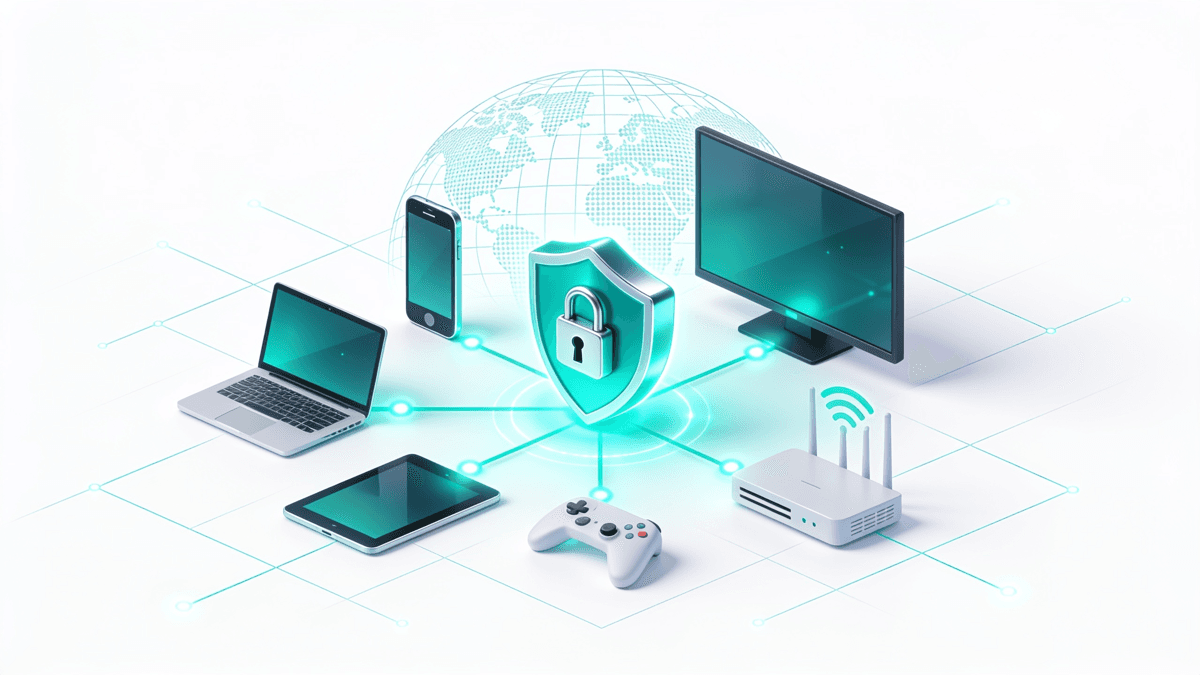
Do You Need a VPN for Gaming? An Honest Guide to Ping, DDoS, and Consoles
An honest look at latency, DDoS protection, region-locked releases, and how to set one up on a console that has no native app.

vpnrank.io is reader-supported: we may earn a commission if you buy through links in this article. This never affects our rankings.
For most gamers, a VPN is not a speed upgrade — it usually adds a small amount of latency because your traffic takes an extra hop. But it genuinely helps in specific situations: hiding your IP from DDoS attacks, bypassing ISP throttling on inefficient routes, and reaching game stores or servers in other regions. Consoles need a router to run one.
The honest truth about VPNs and ping
Let's start where most gaming-VPN marketing overpromises. Ping is the round-trip time for a packet between your device and the game server, and a VPN adds an intermediate server to that journey. In the vast majority of setups this increases ping rather than lowering it, and any guide that claims otherwise as a blanket rule is selling you something. Testing across 2026 measured typical overhead of roughly 8 to 25ms depending on protocol and server distance.
That said, the picture is not one-sided. Whether a VPN helps or hurts your ping comes down to routing quality, protocol, and server choice.
- Protocol matters a lot. Modern WireGuard adds roughly 1ms of processing overhead; older OpenVPN can add 3 to 8ms before you even account for the extra distance travelled.
- Server distance is decisive. A server geographically close to the game's data center — not just close to you — is what determines the added milliseconds. The wrong server can double your ping.
- Sometimes it genuinely helps. If your ISP routes traffic through congested or inefficient paths, a good VPN can take a shorter, less-congested route to the same destination and shave latency off.
So the realistic expectation is: a VPN is a latency tool with two edges. Use it to escape a bad route or throttling and it can help; slap it on carelessly and it will make a good connection slightly worse. If raw responsiveness is your only goal, test with and without it and keep whatever wins. Our VPN speed test data is a useful reference point when comparing providers.
To test it properly, don't rely on feel — measure. Note three numbers on your normal connection first: your ping to the game server (most competitive titles show it in-match), your jitter, and your packet loss. Then connect to the VPN server nearest you, prefer WireGuard or its branded equivalent (NordLynx, Lightway) if the provider offers one, and repeat the same match. If ping climbs but jitter and packet loss drop, a stable-but-slightly-slower tunnel can still feel better in fast-paced games; if all three get worse, switch it off for that title.
When a VPN actually lowers your lag
The one scenario where gamers reliably see a VPN improve their connection is ISP throttling and poor peering. Some providers deliberately slow certain traffic, and many simply hand your packets to a congested or roundabout route toward popular game servers. Encrypting your traffic hides what you're doing and can force a cleaner path.
- 1Throttling bypass: because your ISP can no longer see that you're gaming (or streaming, or downloading), it can't selectively slow that traffic. If you notice lag spikes only during peak evening hours, throttling is a likely culprit.
- 2Better peering: large VPN networks maintain their own high-capacity routes and peering agreements. Connecting through them can sidestep a congestion point between your ISP and the game host.
- 3Route consistency: a stable tunnel can smooth out the jitter — the variation in ping — that makes fast-paced games feel worse than the average ping number suggests.
How do you tell throttling apart from ordinary congestion? Throttling tends to be selective and time-bound — your general browsing and speed tests look fine while one activity (a specific game, or downloads) stutters, and it clusters around peak evening hours. Plain congestion usually drags everything down at once. If a VPN cleanly fixes the affected activity but leaves everything else unchanged, that is a strong signal your ISP was shaping that traffic specifically.
The catch: this only helps if the problem is on your ISP's side. If your baseline route is already efficient, adding a VPN just adds a hop. The way to find out is empirical — play a few matches on your normal connection, note your ping and packet loss, then repeat through a nearby VPN server and compare.
DDoS protection and the swatting question
This is where a VPN offers clear, non-hype value — especially in competitive lobbies, peer-to-peer titles, and streaming. In many online games your real IP address can be exposed to opponents, and a bad actor who has it can flood your connection with junk traffic (a DDoS attack) to knock you offline, or attempt to trace it toward your location.
A VPN masks your real IP behind the provider's server, so attacks are aimed at hardened infrastructure built to absorb them rather than at your home router.
- DDoS mitigation: without your real IP, an attacker has nothing to target. Any flood hits the VPN server, which typically has commercial-grade DDoS protection.
- Swatting risk reduction — not elimination: masking your IP removes one data point attackers use to approximate a location, but swatters rarely rely on IP alone (they combine leaks, social engineering, and doxxing). Treat a VPN as one layer, not a guarantee.
- Harassment and stream sniping: streamers who expose their connection benefit most, since a hidden IP makes targeted disruption far harder.
If this is your main reason for using a VPN, prioritize a provider with a strong no-logs record and reliable servers over one chasing marginal speed claims. Our privacy-focused VPN breakdown covers what actually matters here, and if you're curious about how your identity leaks online, the WebRTC leak and DNS leak explainers are worth a read before you trust any tunnel.
Region-locked games and early launch windows
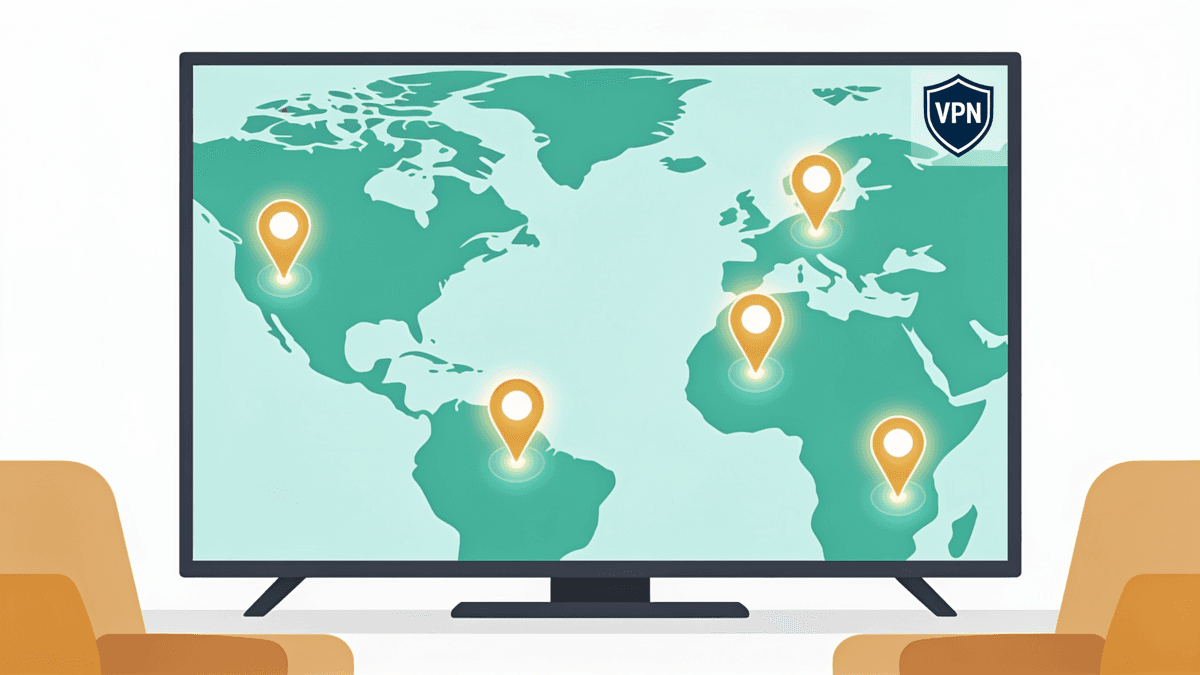
Games rarely go live worldwide at the same instant. Because midnight releases follow local time zones, players in Oceania or parts of Asia often unlock a new title hours before Europe or the Americas. Titles like large multiplayer games and gacha releases have historically staggered launches to manage server load, and some content stays region-exclusive for a window.
A VPN can let you connect through a region where a game is already live, and it can surface regional stores or servers. But there are hard limits and real risks you need to understand before trying it.
What a VPN can and can't do
- Can: route you to a server region where a launch has already gone live, or let you reach regional game servers and browse region-specific storefronts.
- Can't: override locks tied to your account's registered store region, your purchase history, or platform payment rules. Changing your IP alone often isn't enough.
The Steam reality in 2026
Storefronts have tightened up. Steam only permits a store-region change once every three months, and confirming a new region now requires a payment method and billing address that match that country. Crucially, Steam's Terms of Service prohibit using a VPN to disguise your location for pricing or access advantages, and repeat offenders risk purchase restrictions or account bans.
It also helps to know why the timezone trick works at all: because midnight arrives in New Zealand before anywhere else, a game set to unlock at local midnight goes live there first, which is why the region is a perennial favourite for early access. But that only affects unlock timing on a game your account can already play — it does nothing for a title that is genuinely region-exclusive or tied to a store you're not registered in.
The safe reading: using a VPN simply to connect and play is generally tolerated and is a common security practice. Using it to exploit regional pricing or dodge purchase rules is what puts an account at risk. Read the platform's terms and don't gamble a library you've spent years building.
Consoles: why you need a router
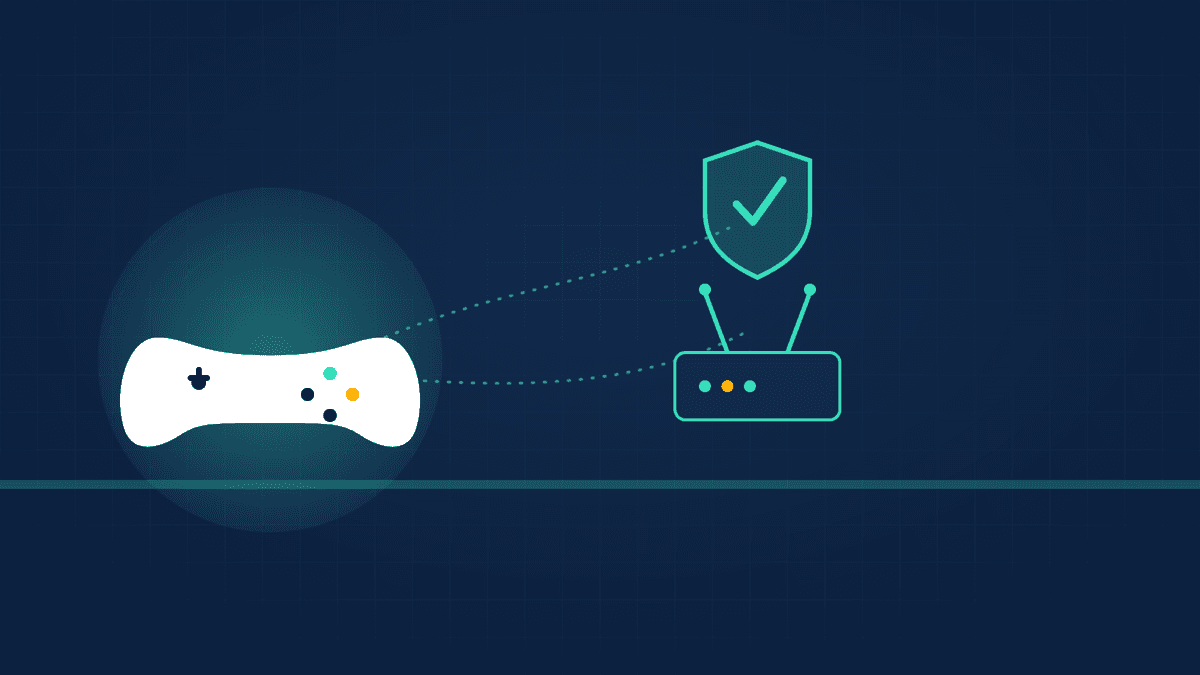
Here is the single most important practical fact for console players: the PlayStation 5, Xbox Series X|S, and Nintendo Switch have no native VPN app. You cannot install a VPN client directly on any of them. To protect console traffic you have to apply the VPN one layer up the network — and the cleanest way is your router.
Once a VPN runs on the router, every device on that network — console included — sends traffic through the encrypted tunnel automatically, with no per-session setup on the console itself. There are three practical routes to get there.
- 1Router VPN (recommended): configure the VPN on a compatible router and your console is covered for good. This needs firmware that supports VPNs — DD-WRT, OpenWRT, Tomato, Asuswrt-Merlin, pfSense, or GL.iNet — since most ISP-supplied routers can't do it.
- 2PC or laptop hotspot: run the VPN on a Windows PC, enable Mobile Hotspot in network settings, and connect the console to that shared, VPN-protected Wi-Fi. Good for occasional use, but the PC has to stay on.
- 3Phone hotspot: a portable fallback for travel or hotel gaming, limited by your mobile data and battery.
For anything permanent, the router method wins on convenience and consistency. If you don't already own compatible hardware, our guide to the best VPN routers walks through models that work out of the box, and the Android TV VPN setup is the closest thing to a native app if you also stream on the same setup. A quick word on SmartDNS: it can change your apparent region on a console without a router, but it does not encrypt your traffic, so it offers zero DDoS or privacy protection.
NAT type, matchmaking, and the trade-offs
Routing console traffic through a VPN has side effects worth weighing. The biggest is NAT type — the way your network handles inbound connections — which affects who you can match and party with. A VPN can change how NAT is negotiated, and depending on the provider and router, it may push you toward a stricter NAT that complicates peer-to-peer matchmaking.
- Stricter NAT: some VPN configurations result in Moderate or Strict NAT, which can slow matchmaking or limit party connections in certain titles. Many VPN servers use symmetric NAT and don't accept inbound port mapping, so Strict is a common default.
- Port forwarding: providers that support port forwarding on the router can help keep an Open NAT, so check for that feature if console multiplayer is a priority. Note you generally can't combine port forwarding with a provider's automatic Moderate-NAT mode — it's one or the other.
- Added latency: the same ping overhead from earlier applies — for twitch-reactive competitive play, test whether the trade is worth it.
If matchmaking suddenly turns slow or party invites fail after you route a console through a VPN, checking the console's connection test for a Strict NAT reading is the first diagnostic. Where the provider allows it, enabling UPnP on the VPN router, or manually forwarding each game's required ports, is what pulls most consoles back toward Moderate or Open NAT — but it's extra setup that a plain, VPN-free connection usually doesn't demand.
None of this makes a VPN a bad idea for consoles; it just means the right use cases are security, region access, and throttling relief rather than shaving milliseconds. Match the tool to the goal. For a full picture of what different tiers of VPN can and can't unblock across your devices, our streaming VPN overview and the can-I-watch checker are handy companions, since many gamers use the same subscription for both. If you want vetted, ranked picks rather than editorial context, see the main best VPN guide.
So, do you actually need a VPN for gaming?
It depends entirely on what you're trying to fix. A VPN is not a magic FPS or ping booster, and treating it like one leads to disappointment. Treated as a targeted tool, though, it solves several real problems that plenty of gamers face.
- Yes, if you're worried about DDoS or IP exposure, you stream, your ISP throttles gaming traffic, or you need to reach a regional server or an early launch window.
- Probably not, if your only goal is lower ping on an already-clean connection — you'll likely add latency, not remove it.
- Test before you commit: compare ping, jitter, and packet loss with and without the VPN, on a nearby server, and let the numbers decide.
For the fully ranked, vetted recommendations with current pricing, see our commercial guides rather than this editorial take — this piece is about helping you decide whether you need one and how the pieces fit together. If live sport is part of your setup too, the sports streaming VPN guide and the World Cup 2026 hub cover that side.
Frequently asked questions
Does a VPN lower ping for gaming?
Usually not by default — adding a VPN server means an extra hop, which typically raises ping by around 8 to 25ms. However, if your ISP throttles gaming traffic or routes you through congested paths, a good VPN on a nearby server can take a cleaner route and genuinely reduce latency. Test both ways and keep whichever performs better.
Can a VPN protect me from DDoS attacks while gaming?
Yes, this is one of a VPN's clearest gaming benefits. By masking your real IP address, a VPN removes the target attackers need to flood your connection. Any DDoS traffic hits the VPN provider's hardened servers instead of your home network. It's especially valuable for streamers and competitive players whose IPs can be exposed.
Why can't I install a VPN app on my PS5, Xbox, or Switch?
None of the major consoles support native VPN apps — there's simply no client to install. To protect console traffic you apply the VPN one network layer up. The cleanest method is configuring it on a compatible router so every device, including the console, is covered automatically. A PC or phone hotspot works as a temporary alternative.
Will using a VPN get my Steam account banned?
Using a VPN just to connect and play is generally tolerated and is a common security practice. The risk comes from using it to exploit regional pricing or dodge purchase and region-change rules, which violates Steam's Terms of Service. Steam limits store-region changes to once every three months and requires a matching payment method. Repeat offenders can face restrictions or bans.
Can a VPN give me early access to new game releases?
Sometimes. Because launches follow local time zones, connecting to a region where a game is already live can unlock it hours early. But VPNs can't override locks tied to your account's store region, purchase history, or platform payment rules — changing your IP alone often isn't enough, and some storefronts actively restrict region-hopping.
Does a VPN affect my NAT type and matchmaking?
It can. Routing console traffic through a VPN may push you toward a stricter NAT type, which can slow matchmaking or limit party connections in some games. Providers that support port forwarding on the router can help preserve an Open NAT, so look for that feature if peer-to-peer console multiplayer matters to you.
Is SmartDNS a good alternative to a VPN for consoles?
SmartDNS can change your apparent region on a console without needing a router, which makes it convenient for accessing region-locked content. But it does not encrypt your traffic, so it offers no DDoS protection, no IP masking, and no privacy benefit. If security is your goal, a router-based VPN is the better choice despite the extra setup.
The best VPNs of 2026, ranked
Now you know how — here are the VPNs we recommend, independently tested and ranked for speed, streaming, privacy and value. Any of them works for everything in this guide.

ExpressVPN Ultra fast & secure. Great for privacy, downloads, and everyday browsing on all your devices. 24/7 live chat support.
ExpressVPN Ultra fast & secure. Great for privacy, downloads, and everyday browsing on all your devices. 24/7 live chat support.

IPVanish Fast speeds with unlimited device connections. Strong no-logs privacy and 24/7 live chat support. Great for families.

IPVanish Fast speeds with unlimited device connections. Strong no-logs privacy and 24/7 live chat support. Great for families.

NordVPN Excellent speeds with one of the largest server networks. Strong security features and easy-to-use apps. 24/7 live chat support.
NordVPN Excellent speeds with one of the largest server networks. Strong security features and easy-to-use apps. 24/7 live chat support.

Proton VPN Swiss-based VPN with strong privacy focus. Audited no-logs policy and open-source apps. Great for privacy-conscious users.
Proton VPN Swiss-based VPN with strong privacy focus. Audited no-logs policy and open-source apps. Great for privacy-conscious users.

CyberGhost Fast speeds and strong privacy tools. Simple apps, automatic WiFi protection, and 24/7 live chat support.
CyberGhost Fast speeds and strong privacy tools. Simple apps, automatic WiFi protection, and 24/7 live chat support.

TotalVPN Affordable VPN with strong privacy and reliable speeds. Easy-to-use apps for all major devices. No-logs policy.
TotalVPN Affordable VPN with strong privacy and reliable speeds. Easy-to-use apps for all major devices. No-logs policy.

Private Internet Access High-speed VPN with a large server network and advanced security settings. Ad blocker included and 24/7 live chat support.
Private Internet Access High-speed VPN with a large server network and advanced security settings. Ad blocker included and 24/7 live chat support.

Surfshark Unlimited device connections at a budget-friendly price. Includes ad blocker and strong privacy tools. Great value for money.
Surfshark Unlimited device connections at a budget-friendly price. Includes ad blocker and strong privacy tools. Great value for money.
Rankings are based on our independent testing methodology. Each guide applies the criteria described on that page, including relevant performance, privacy, product features, and value data. We may earn affiliate commissions from links on this page, which helps fund our testing — this does not influence our rankings.